Cyberattacks are no longer just a problem for big companies. Hackers now target small businesses, often because they lack dedicated IT staff, strong security tools, or clear policies. That’s why cybersecurity is essential for every small business.
Whether you run a local shop, an online service, or a growing startup, protecting your customer data, financial accounts, and systems should be a top priority. The good news is you don’t need a huge budget to lower your risk.
This guide will share the most effective cybersecurity practices for small businesses, along with useful tips and a checklist you can use right away to keep your business safe.
Why Small Business Cybersecurity Matters More Than Ever
Just one cybersecurity incident can stop your business, hurt customer trust, and cause major financial loss. Sadly, many small businesses never recover after a serious data breach or ransomware attack.
Many small business owners think hackers only go after big companies, but attackers usually look for easy targets. Sometimes, all it takes is a weak password, outdated software, or an untrained employee.
The truth is, if your business uses email, online payments, cloud storage, or handles customer data, you are at risk.
Common Cybersecurity Threats Facing Small Businesses
Knowing about these threats is the first step to stopping them. Here are the most common cybersecurity risks small businesses face today.
Phishing Attacks and Social Engineering Scams
Phishing is one of the most common attacks on small businesses. Hackers send fake emails or messages to trick employees into clicking bad links, installing malware, or giving away login details.
Common phishing examples include:
- Fake invoices
- “Password reset” emails
- CEO impersonation scams
- Suspicious attachments disguised as contracts or PDFs
Ransomware Attacks on Small Businesses
Ransomware is a type of malware that locks your files or systems until you pay a ransom. Small businesses are often targeted because they usually don’t have strong backup systems.
A ransomware attack can shut down:
- customer records
- point-of-sale systems
- accounting software
- employee workstations
Weak Passwords and Credential Theft
Weak passwords remain one of the biggest security problems for small businesses. Attackers can use brute-force tools or stolen password lists to get into email accounts, cloud systems, and banking portals.
Insider Threats and Human Error
Not every security incident is caused by a hacker. Employees can accidentally:
- send sensitive data to the wrong person
- Use unsecured devices
- download unsafe software
- store passwords in spreadsheets
Unpatched Software and Outdated Systems
Old software often has known weaknesses that attackers can use. If you don’t update your systems regularly, you could be making it easy for cybercriminals to get in.
Small Business Cybersecurity Best Practices
Here are the most effective cybersecurity practices for small businesses. These strategies give you the most protection for the lowest cost.
Use Strong Password Policies and Password Managers
Passwords are usually your first line of defense. Every business should have password rules that require:
- at least 12–16 characters
- a mix of letters, numbers, and symbols
- unique passwords for every account
The best way to manage passwords is to use a password manager like:
- Bitwarden
- 1Password
- Dashlane
Password managers lower the risk of reused passwords and help employees keep their credentials safe.
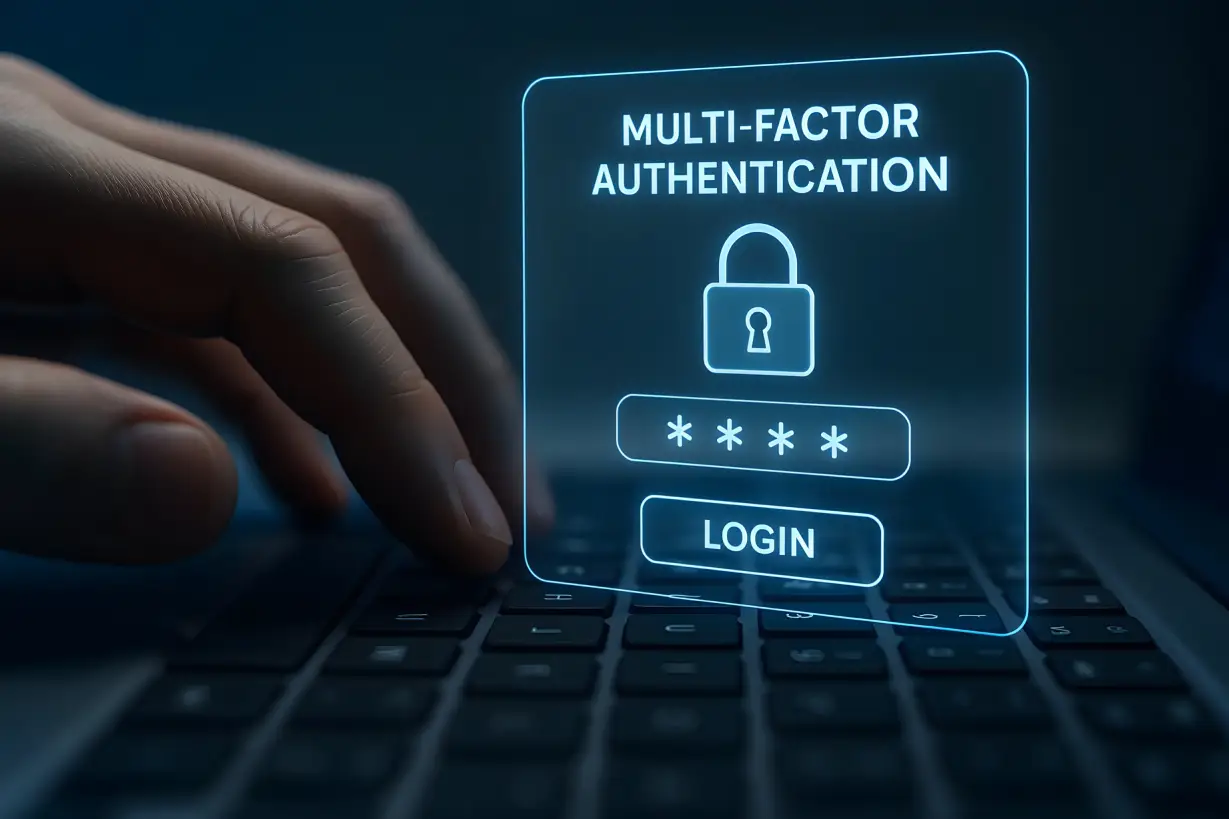
Enable Multi-Factor Authentication (MFA) Everywhere
Multi-factor authentication offers another layer of protection by requiring a second way to verify your identity, like a text message code or an authentication app.
MFA should be enabled on:
- email accounts
- cloud platforms (Google Workspace, Microsoft 365)
- payroll software
- banking accounts
- CRM systems
- social media business accounts
Even if someone steals a password, MFA can stop them from getting in.
Secure Your Wi-Fi Network and Router Settings
Your business Wi-Fi should never use the default router settings.
Key Wi-Fi security tips include:
- change default admin usernames and passwords
- use WPA3 encryption (or WPA2 if WPA3 isn’t available)
- hide or rename the network SSID
- Set up a separate guest Wi-Fi for customers and visitors.
- Disable remote router access unless required
If your router is compromised, attackers can access your whole network.
Use Firewalls and Endpoint Protection Software
A firewall is a barrier between your internal systems and the internet. Most modern routers have basic firewall features, but many businesses benefit from using a dedicated business firewall.
Popular endpoint security solutions for small businesses include:
- Microsoft Defender for Business
- CrowdStrike (small business plans)
- Sophos
- Bitdefender GravityZone
Keep All Software and Systems Updated
One of the simplest ways to improve cybersecurity is to keep your systems patched.
Ensure automatic updates are enabled for:
- operating systems (Windows, macOS)
- web browsers
- accounting tools
- plugins and website CMS platforms
- point-of-sale software
- antivirus tools
Cybercriminals often get in through outdated software.
Encrypt Laptops, Mobile Devices, and Sensitive Files
If a laptop is lost or stolen, encryption can keep your data safe.
Small business owners should ensure:
- BitLocker is enabled (Windows)
- FileVault is enabled (Mac)
- mobile device encryption is active (iOS/Android)
You should also encrypt sensitive customer and financial files before storing or sharing them.
Train Employees to Spot Phishing Emails
Phishing is one of the most dangerous cybersecurity threats for small businesses because it targets people, not just technology.
Train employees to look for red flags such as:
- urgent or threatening language (“Pay now or your account will be closed”)
- Suspicious sender email addresses
- unexpected attachments
- spelling and grammar mistakes
- links that don’t match the domain
Encourage employees to check suspicious email requests by phone or direct message.
Use Secure Email Filters and Anti-Spam Protection
Email security tools can block bad links, fake senders, and malware attachments before they reach your team.
If you use Google Workspace or Microsoft 365, make sure you configure built-in security tools such as:
- spam filters
- phishing protection
- domain authentication (SPF, DKIM, DMARC)
This is key to reducing business email compromise (BEC) attacks.
Manage Employee Accounts and Offboarding Properly
When an employee leaves, remove their access right away.
A proper offboarding checklist includes:
- disabling email accounts
- removing access to shared drives
- revoking admin credentials
- resetting passwords for shared tools
- retrieving company devices
This helps prevent both accidental and intentional misuse of company systems.
How to Protect Customer Data and Business Information
Protecting data is a key part of small business cybersecurity because customer trust depends on how well you keep their information safe.
Create Secure Backup Systems (The 3-2-1 Backup Rule)
Backups are one of the best defenses against ransomware.
The 3-2-1 rule means:
- Make sure you have 3 separate copies of all your important information.
- save these backups using 2 different storage methods
- store 1 copy somewhere away from your main location (like cloud storage or a secure external site)
Make sure your backups are automatic, encrypted, and tested regularly.
Use Cloud Security Best Practices for SMBs
Cloud platforms can be secure, but only if you set them up correctly.
Best practices include:
- enabling MFA for all accounts
- restricting file-sharing permissions
- monitoring login activity
- using role-based access controls
- disabling unused accounts
No matter if you use Google Drive, OneDrive, Dropbox, or another platform, controlling access is essential.
Protect Payment Data and Reduce PCI Compliance Risks
If your business takes credit card payments, try to store as little payment information as possible.
The safest approach is:
- Use PCI-compliant payment processors.
- Avoid storing customer card numbers.
- secure POS systems
- Keep payment terminals updated.
Secure File Sharing and Prevent Data Leaks
Many small businesses accidentally leak data by using unsafe file-sharing methods.
Avoid:
- sending sensitive files via personal email
- using unencrypted USB drives
- sharing “public links” to customer files
Instead, use secure file-sharing systems that have expiration dates and access controls.
Small Business Cybersecurity Checklist
Here is a practical cybersecurity checklist for small businesses that you can start using right away.
Daily Cybersecurity Checklist
- Monitor suspicious emails and phishing attempts.
- Verify unusual payment requests.
- Ensure devices are locked when unattended.
Weekly Cybersecurity Checklist
- Run antivirus scans
- Check system alerts or unusual logins.
- Confirm backups are running successfully.
Monthly Cybersecurity Checklist
- Update operating systems and software.
- Review employee access permissions.
- Change passwords for shared accounts (if needed)
- Test backup restoration on at least one system
Annual Cybersecurity Review Checklist
- Conduct a full cybersecurity risk assessment.
- Update the incident response plan.
- Audit vendor and third-party access
- Refresh employee cybersecurity training.
- Review cyber insurance coverage.
Conclusion: Strengthen Your Small Business Cybersecurity
Cybersecurity is no longer just an IT issue; it’s a business survival issue. The good news is, you don’t need complex systems or a huge budget to protect your business. By following proven cybersecurity best practices, training your team, using the right tools, and keeping secure backups, you can greatly lower your risk of cyberattacks.
Small businesses that take cybersecurity seriously build stronger customer trust, have less downtime, and protect their reputation for the long term.
Not sure where your biggest cybersecurity vulnerabilities are?
Black Box Consulting provides professional cybersecurity risk assessments to help small businesses find weak spots, lower their risk, and build a stronger defense. Schedule your cybersecurity assessment with Black Box Consulting today.